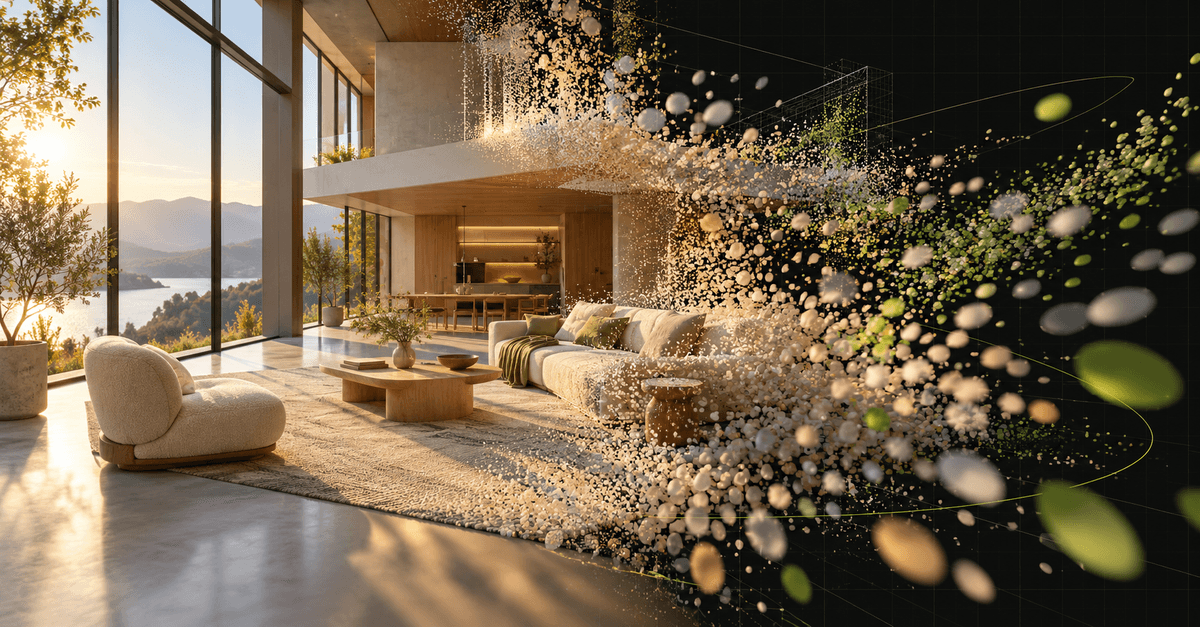
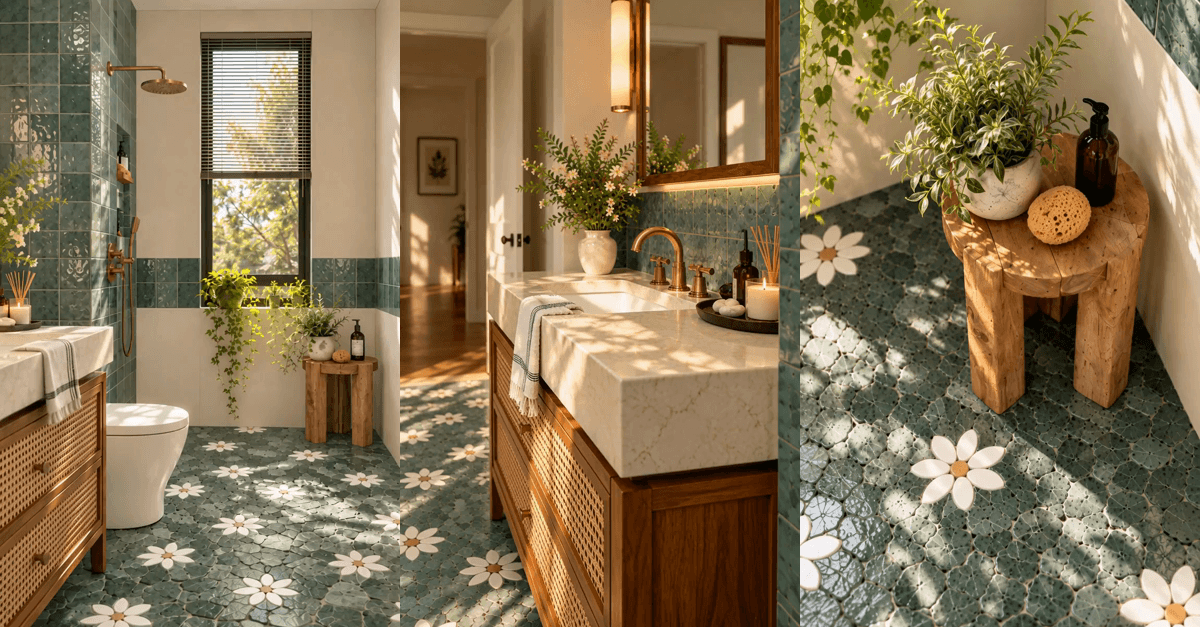
A floor plan sits on a sheet of paper. You scroll, the walls grow out of it, the camera comes down to the front door and walks through the house. At every room it stops, and the 3D view dissolves into a photograph of the same room. At the end the camera lifts off and the house folds back into the drawing.
That is a recording of the page itself, scrolled from start to finish (music: "Cinematic Piano" by leberch, Pixabay). Walk through it here. It runs best on a laptop.
Where the idea comes from
The idea is not ours. It comes from Casa Serra by Sam Aing, a concept page for an imagined Lisbon practice called Lintel. Sam built it with Claude Code over about seventy prompts and two weeks, and published the starter prompt and the source. Go and look at it first. It is beautiful.
We studied how it works: we opened the page, recorded every stage, and read the published code. The repository has no license, so we copied none of it. Our house, our code and our drawings are our own. What we took is the method, and Sam's own description of it is the best one: the plan is not a picture, it is the real 3D model, cut at about 1.2 meters and seen from straight above through a very long lens.
Our first version stopped in one room
Our first attempt had the plan, the rising walls and a good living room. Then it stopped. Casa Serra walks you through room after room and ends where it began, on the plan. Ours was a drawing that turned into a single room.
So we threw the house away and started again with one rule.
One layout feeds everything
The house is written down as data first: rooms as rectangles, walls as straight runs with a thickness and a height, and every opening on each wall (door, sliding glass, fixed glass, window with a sill and a head, garage door). Furniture is a list of footprints.
From that one file:
- the 3D walls are built by cutting the openings out of each run,
- the drawing generates its axes, both dimension strings, room names and areas, door-swing arcs, window and sliding-door symbols,
- and the tests check the camera against the same walls and the same furniture.
The plan and the model cannot disagree, because there is nothing for them to disagree about. The house is a 336 m² courtyard house: an entrance hall, a 4.2 m living room with clerestory windows, a kitchen and dining room, a library, a primary suite with a bath, a guest room, a garage, and a courtyard with an olive tree and a pool. It is a concept, not a construction drawing.
The camera path, stop by stop
Reading Casa Serra's code showed us how its camera works. Each stop is a point to look at, a direction, a distance and a lens, plus two lengths of scroll: how long to hold still and how long to travel to the next stop. Some stops have no hold at all. They are waypoints the camera passes through, which is how it gets through a doorway instead of across a wall. The path between them is a smooth curve, and each journey eases in and out between holds.
We did the same, and then added what we wanted to be sure of: tests that walk the whole path. They sample the camera four thousand times and fail if it
- crosses a wall anywhere except through an opening, with room to spare at the jambs and the head,
- comes within 30 cm of a sofa, a chair, the planter or the pool,
- tilts sideways (roll stays at zero, so door frames stay vertical),
- or crops the plan sheet under the header on any screen size from a phone to an ultrawide.
The tests caught two real mistakes on the first run: the camera clipped a wall corner leaving the entrance hall, and it brushed a console table on the way in. A screenshot would have hidden both.
Our route: the plan, the walls rising, the front door, the hall, the living room, the kitchen and dining room, back through the living room and out of the sliding glass into the courtyard, into the primary suite, then up over the furnished house and down onto the plan again.
Each room stays a drawing until you reach it
This is the part of Casa Serra we liked most. Standing at the front door, the facade is real plaster and timber, and through the doorway the hall is still a line drawing. Walk into the living room and the kitchen beyond is still lines.
Our version sweeps the materials outward from each room's threshold as the camera arrives. The library is the one exception. You can see it through the suite's open door, so it turns into material together with the suite rather than staying half drawn in the held frame.
Where we went further: a photograph at every stop
Real-time 3D in a browser only gets you so far. Our sofa is a set of rounded boxes. So at every stop, once the camera has completely stopped, the 3D view dissolves into a photoreal render of exactly that frame, holds, and dissolves back before the camera moves on.
How we made them:
- Export the frame with nothing on it. 1920 by 1080, no interface, and every room shown in its materials so the image model never sees half a drawing.
- Lock the architecture, free the furniture. The prompt says: keep the camera, the walls, the windows and where each piece of furniture stands. Then it says the opposite of what you might expect: do not copy our sofas and chairs. They are placeholders. Redesign them as real designer pieces of the same size in the same place.
- Ask for light, not just materials. Low, warm afternoon sun raking through the openings, long soft shadows, window-frame shadows on the floor, a little styling: a ceramic vase, olive branches, a linen throw.
We generated them with the Codex CLI's built-in image model, one image per stop.
Instruction
Keep the camera, walls, windows and furniture positions. Redesign the sofa and chairs as real designer pieces. Low, warm late-afternoon sun.
The exported frame. Correct room, correct openings, toy-like furniture and flat light.
Same clerestory, same openings, same layout. The sofa is now a sofa, and the light has a direction.
Select any photo to zoom in and inspect the details.
Instruction
Redesign the dining chairs, stools and island. Style the table lightly. Sun through the left window.
Table for six, island, tall oak cabinets, two windows.
Rush-seat chairs, a honed stone island, olives outside the window. The pendants and the island moved a little.
Select any photo to zoom in and inspect the details.
Instruction
A real, mature olive tree, teak loungers, a dense hedge. Dappled leaf shadows on the paving.
Our tree is generated in code. Good from a distance.
The walls, the pool and the window line up almost exactly. The tree is the one thing a renderer can't fake in a browser.
Select any photo to zoom in and inspect the details.
How well they line up when they cross-fade: the entrance and the courtyard almost perfectly. In the living room the architecture holds and the sofa ghosts for a moment, because it really is a different sofa. In the kitchen you can see the pendants and the island shift. We kept it that way on purpose. Locking the furniture would have given us better registration and worse rooms.
Two practical details: the page never fades to an image that has not finished decoding, and while a render fully covers the screen the 3D view stops drawing. A "Compare with 3D" button flips back to the real-time frame at any stop. Every render is labeled as an AI visualization.
Then back to the plan
After the suite, the camera rises over the whole house, now furnished and in full material, then lowers back to the exact opening position while the cut drops to 1.15 m. The materials drain out and you are looking at the drawing you started with.
What broke along the way
Every one of these came from looking at the page in a browser, not from reading the code:
- Sun shadows on the plan looked like coffee stains. The drawing now has no light and shade until the walls start rising.
- The olive tree vanished in the drawing. Leaves have no outlines, and paper-colored leaves on paper are invisible. The trees now get a light ink wash.
- The courtyard was lit like a living room. The extra indoor fill light was keyed to camera height, not to being under a roof. It now fades in over the last meter of each threshold.
- The stone floor was pure white. It needed visible joints every 0.6 m before it read as stone.
- The loading image jumped when the 3D took over. The placeholder is now a screenshot exported from the real model and placed with the same projection. On our test it landed on the same pixels.
- It ran at one frame per second. It didn't. The browser was throttling a background window. Each frame takes a few milliseconds to draw.
Where Casa Serra is still ahead
Honest list. Its facade is concrete, charred larch and stone; ours is plaster and timber battens. Its ink lines appear to come from a screen-wide pass that draws curved furniture beautifully; ours outline each object, which turns a curved sofa into a box in the drawing. It has more rooms, and its trees are better in 3D. Ours has the tests, one source for the plan and the model, and a photograph at every stop.
If you want to build your own, the demo page has our full coding prompt under the walkthrough, and Sam's starter prompt is where we would begin. Both say the same thing about process: build it in checkpoints and look at every one.
The renders here are illustrations made outside Studio. If you want the same kind of change on a photo or a model screenshot of your own, that is what Studio does: start with a custom prompt and describe what to keep and what to change.
- 3d-walkthrough
- floor-plan
- three-js
- architecture
- ai-rendering