Staging & style
Remove furniture from a room photo
Remove movable furniture, rugs and personal items from a room photo to show the space clear. The model has to estimate the floor and walls that were hidden, so treat the result as a preview.
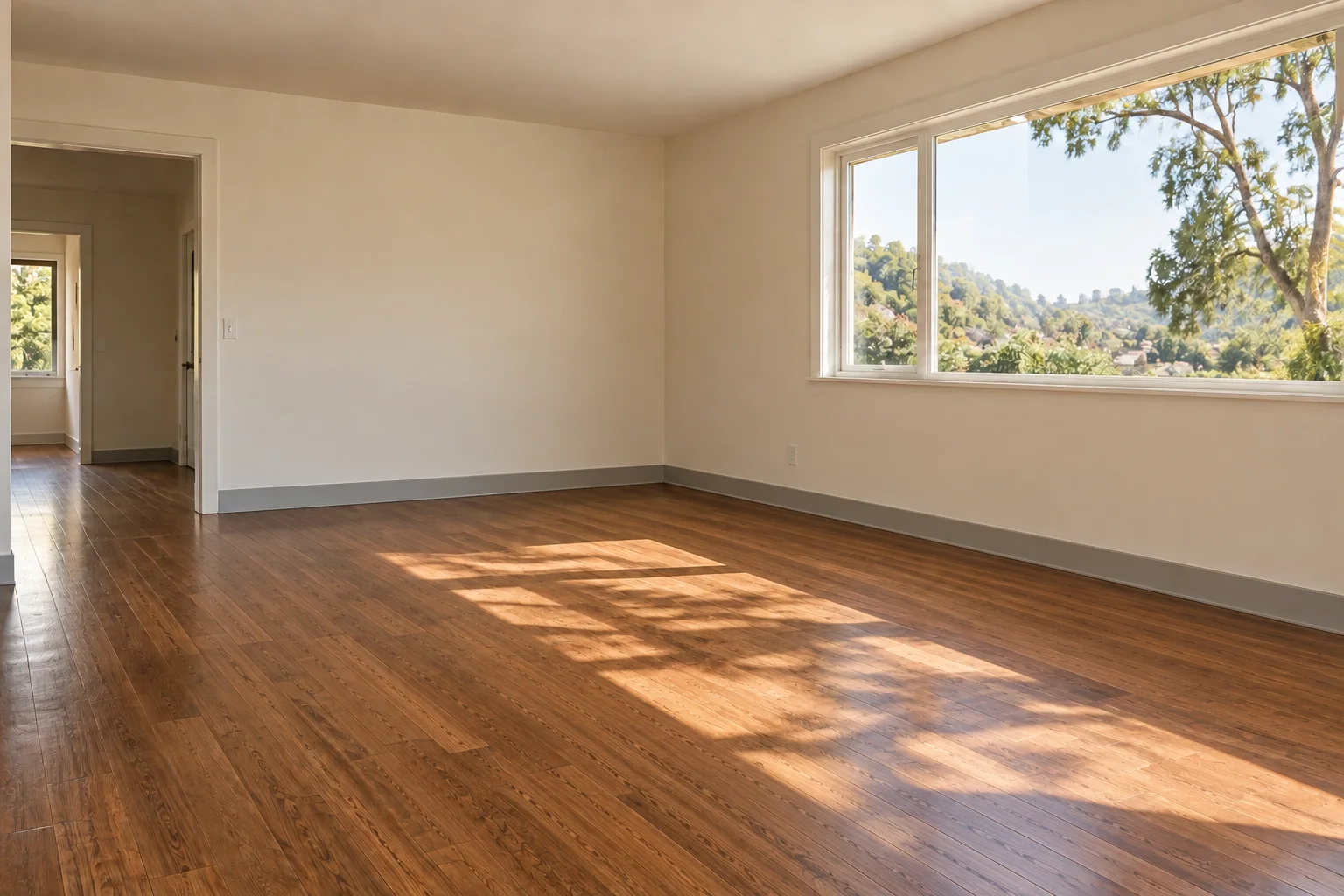
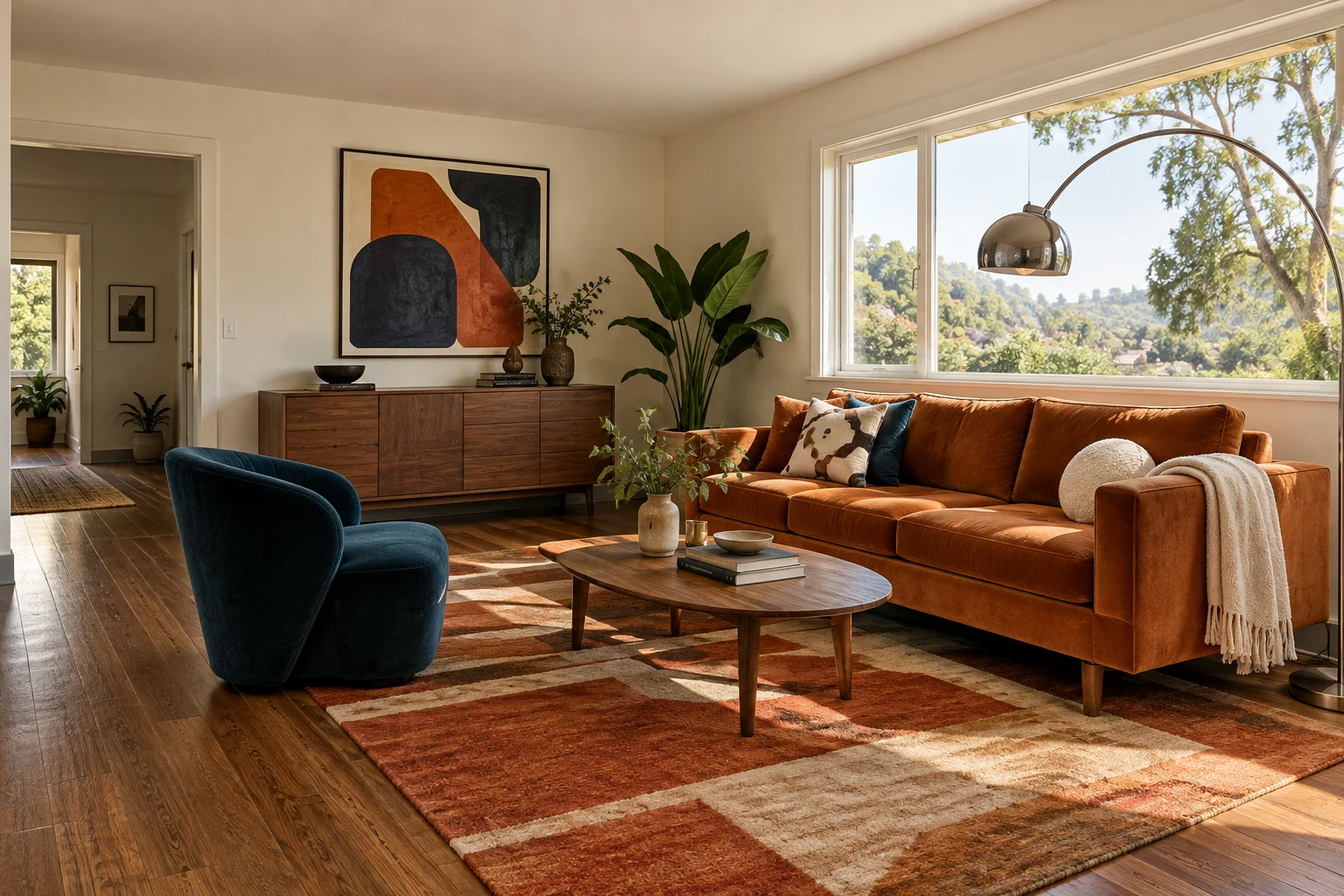
What you upload
A photo of a furnished room
A photo of a furnished room. The more floor and wall that is already visible, the less the model has to estimate behind the furniture.
JPG, PNG or WebP, up to 12 MB per image. Up to 1,536 px on the free plan and 6,144 px on Studio.
How to run it in Studio
- In Studio, open Photo tools and choose Remove furniture.
- Upload the room photo. This tool clears the whole room, so there is nothing to mark.
- Check the model, output size and credit quote, then select Generate. To take out a single item instead, use Remove an object.
Example instruction
Remove the sofa, chairs, tables, rug and wall art. Keep the built-in shelves, light fixtures, flooring and wall color.
Check the result
Look closely at the floor and walls that were revealed. They are an estimate and may not match the real surfaces, including any wear or damage the furniture was covering.
AI can change details you did not ask it to change. Compare every result with your original before you use it. For a commercial listing, do not use an edit to hide defects or to present a proposed renovation as an existing feature.
Who uses this
Real estate
Agents and listing photographers
Get a vacant listing photographed, staged and online in the same afternoon.
For real estateRenovator
Builders, remodellers and flippers
Price a change by showing it, not by describing it.
For renovatorsQuestions
About furniture removal
What does furniture removal change, and what stays the same?
The model is told to remove all furniture, rugs, personal effects and wall art, reconstructing the floor and walls they covered. Fixtures, flooring and paint stay exactly as they are. AI can still change a detail you did not ask for, so compare the result with your original before you use it.
What photo do I need?
A photo of a furnished room. JPG, PNG or WebP, up to 12 MB.
How much does furniture removal cost?
Your first 5 renders are free with an account and no card. They carry a watermark and are for personal use. After that, one render with this tool is 9 credits on the standard model. Starter is $15 a month for 100 standard renders.
How long does it take?
Generation time varies by model, resolution and demand.
Can I use the result for a client or a listing?
Yes, on a paid plan or with a top-up pack: no watermark, and a commercial licence. Free renders are for personal use only. Renders may depict an edited space or a generated design concept. Always disclose edited and virtually staged photos when you publish them.
Also in staging & style