Sunlit Interior Film
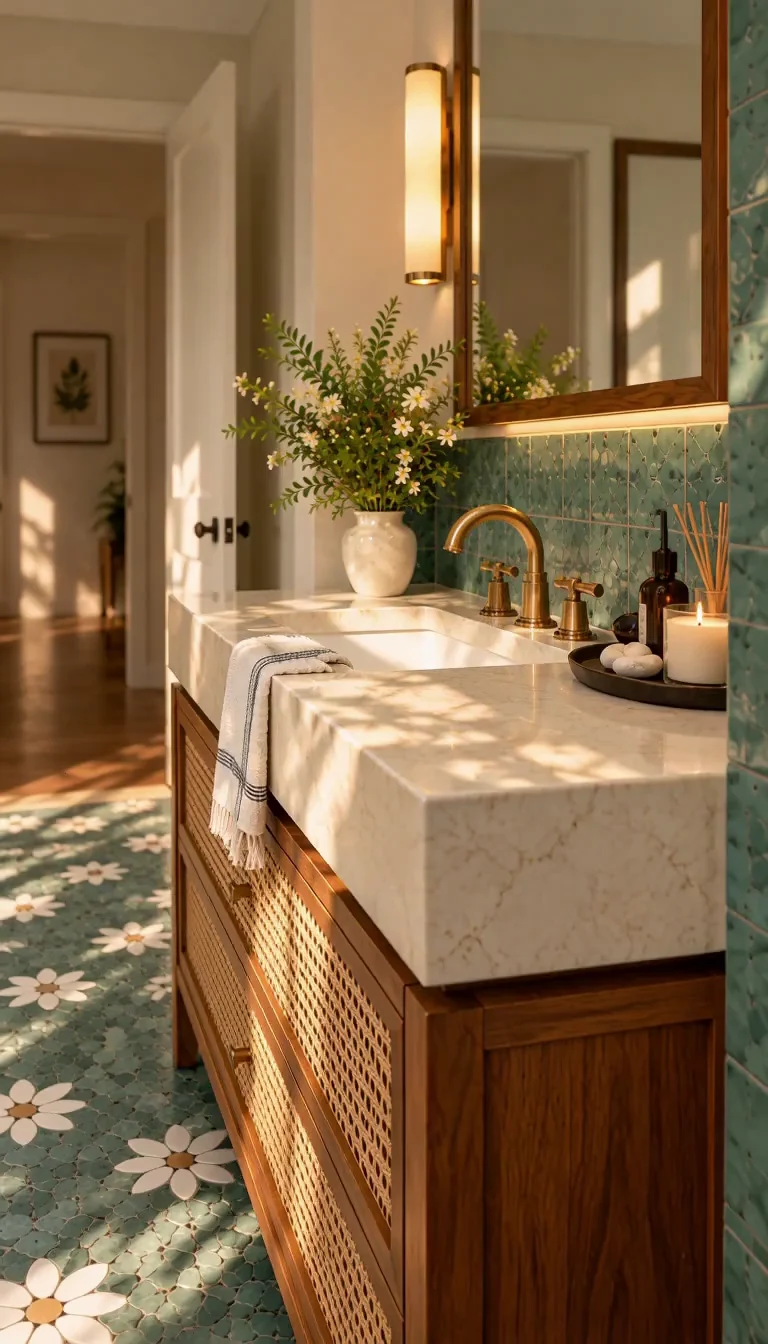
Watch example & copy promptCreate one continuous photorealistic five-second architectural shot from the supplied interior image. Begin a slow, shallow forward camera dolly immediately, ending only slightly closer. Keep the original camera height, lens and viewing direction, with level framing and straight verticals. Show restrained, natural parallax between foreground furniture and the background. Keep the main furniture and visible light fixtures readable throughout. No pan, orbit, tilt, sudden zoom or cuts. All lights already visible in the first frame stay on at their original brightness and color temperature. Preserve the warm light washes from existing concealed LEDs onto their actual shelves, cabinetry, niche or ceiling surfaces. Do not invent a cove, strip, window or fixture that the image does not contain. No progressive switch-on, chasing, pulsing, flickering, color cycling or animated sunlight. Keep exposure, white balance and daylight direction consistent. Preserve the room shell, openings, glazing divisions, joinery, furniture, object count, materials and colors. Hard surfaces remain rigid; tile grids and floorboard joints stay attached to their surfaces. Upholstery, rugs and existing fabric remain in place. Nothing emerges from furniture. Plants, books and decor stay still. No morphing, floating objects, moving textiles, new rooms, people, writing or logos. Only the camera moves. No music, speech or added sound effects.