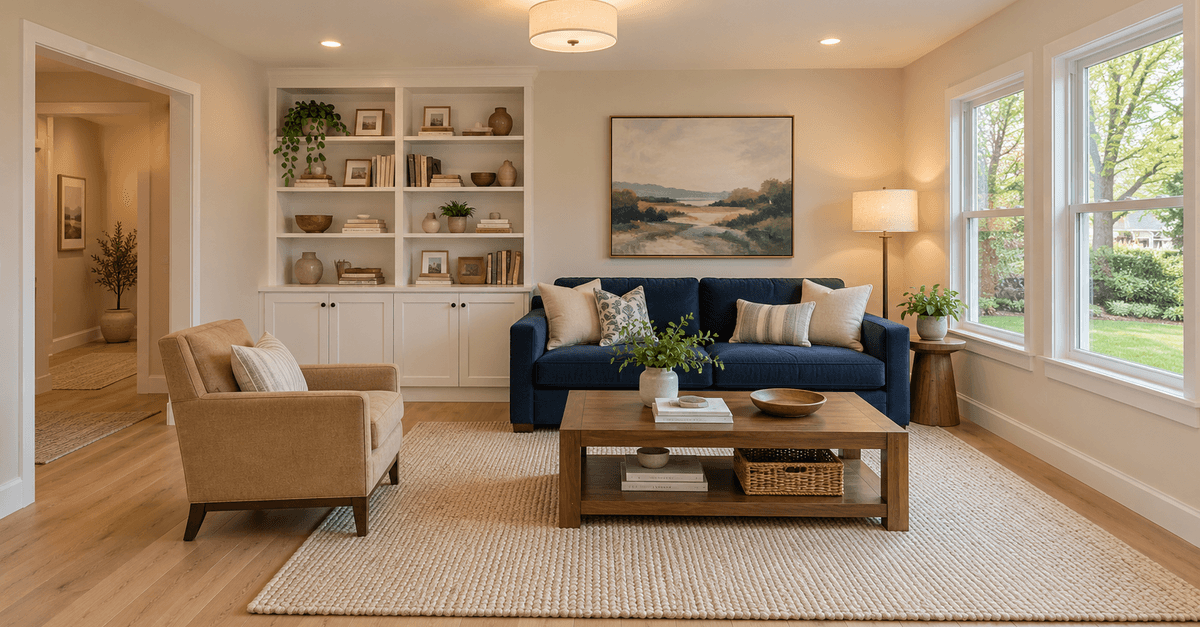
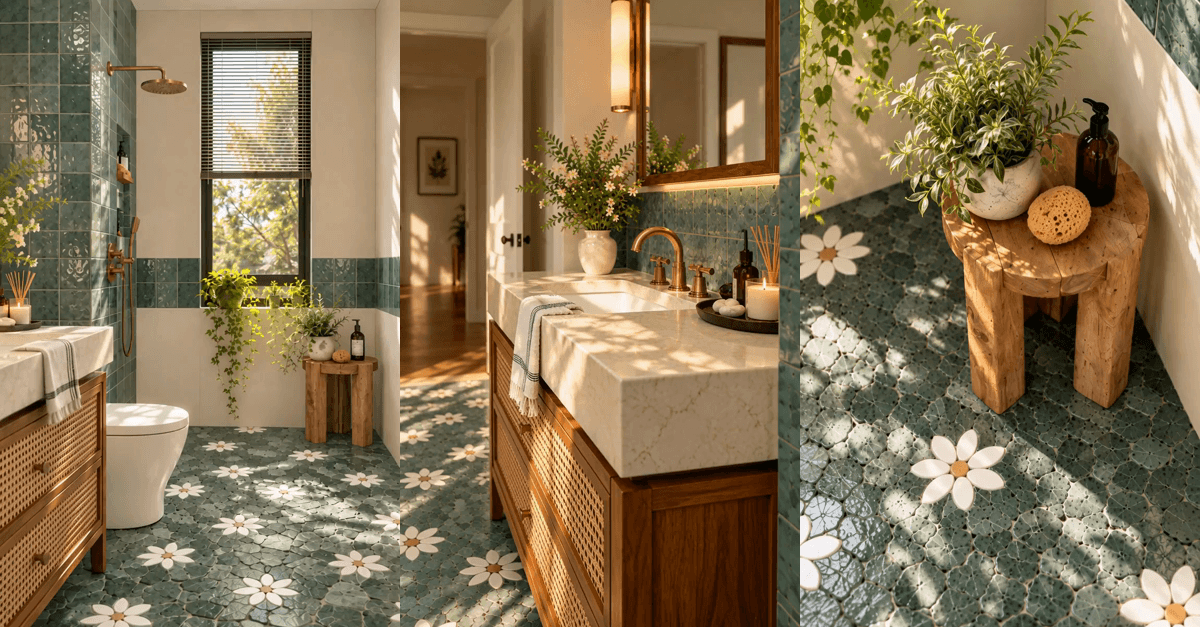
The sunlight gets your attention. The concealed lighting makes you keep looking.
This American-home concept combines cream cabinetry, oak floors, blue glazed tile and warm light tucked into shelves, a glass niche and ceiling coves. We made the starting images with Image Gen, animated each view separately with local MiniMax H3, then edited the clips into a short film.
An edited AI concept film made outside Studio, not a real property tour. Six separately prepared views form an 18-second montage. The native video is 768 × 1024. The new entry and bar clips include post-production color matching. Music plays when you start the video.
Music: “Reverie” by Scott Buckley, released under CC BY 4.0. We excerpted, faded and normalized the track.
What is this interior style?
We would describe this concept as warm contemporary with mid-century accents. The description comes from the elements in these images, rather than a claim that the room follows a particular historical style.
Cream walls and cabinetry provide the quiet base. Honey-toned oak gives the floor and shelves texture. A rounded walnut coffee table, simple wood chair frames and a dome pendant supply the mid-century influence. Linen, woven upholstery, ceramics and a few plants make the setting feel occupied without filling every surface.
The blue tile is the deliberate accent. It appears as a low band across the breakfast bar and wraps the rounded entry plinth. Those compact areas give the eye something precise to return to. The terracotta pendant and small lamp add a second accent without competing with the tile.
This is a design direction for an imagined American home. The extra views are coordinated concepts, not a verified reconstruction of one measured floor plan.
The LEDs are part of the composition
The lighting brief has distinct layers:
- Daylight enters through the existing glazing and throws broad, oblique patches across the oak floor.
- Shelf and cabinet LEDs reveal the oak backs, ceramics and blue backsplash through soft light falling onto actual surfaces.
- The ceiling cove and niche add depth around the rounded partition, while the pendant and table lamp mark smaller areas.
The useful instruction is to describe what the light illuminates. A shelf strip should wash the wood below it. A cove should softly illuminate the nearby ceiling. A glowing line without any effect on the surrounding material tends to look pasted on.
Keep the light source physically plausible in the starting image. The animation stage cannot reliably repair a badly placed fixture or an impossible shadow.
Build the starting image first
The finished design and lighting were established before we asked for motion. Our original overview became the visual reference for the closer living view, reading corner and kitchen. We then added a rounded entry partition and a blue-tile bar as further concept views.
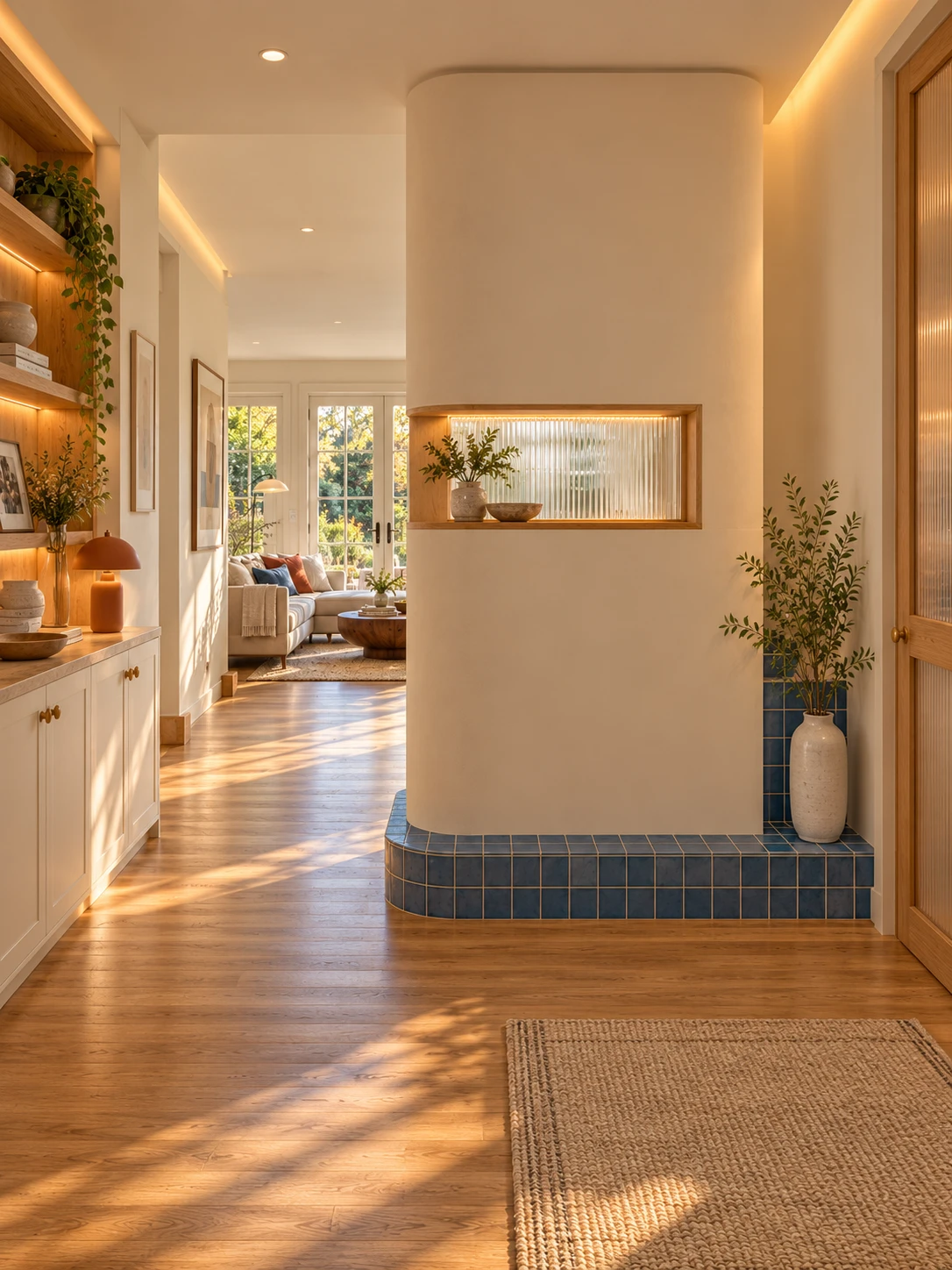
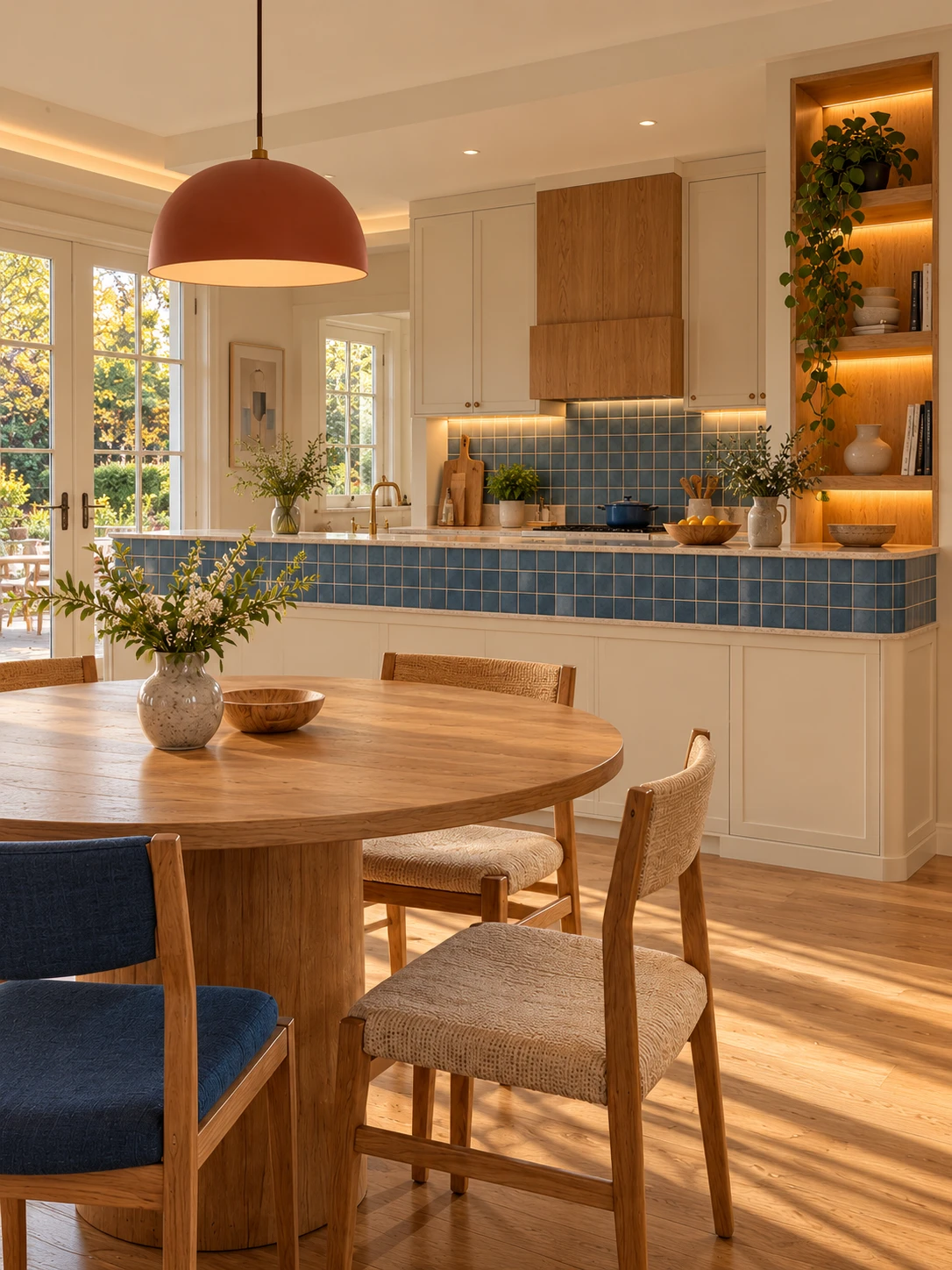
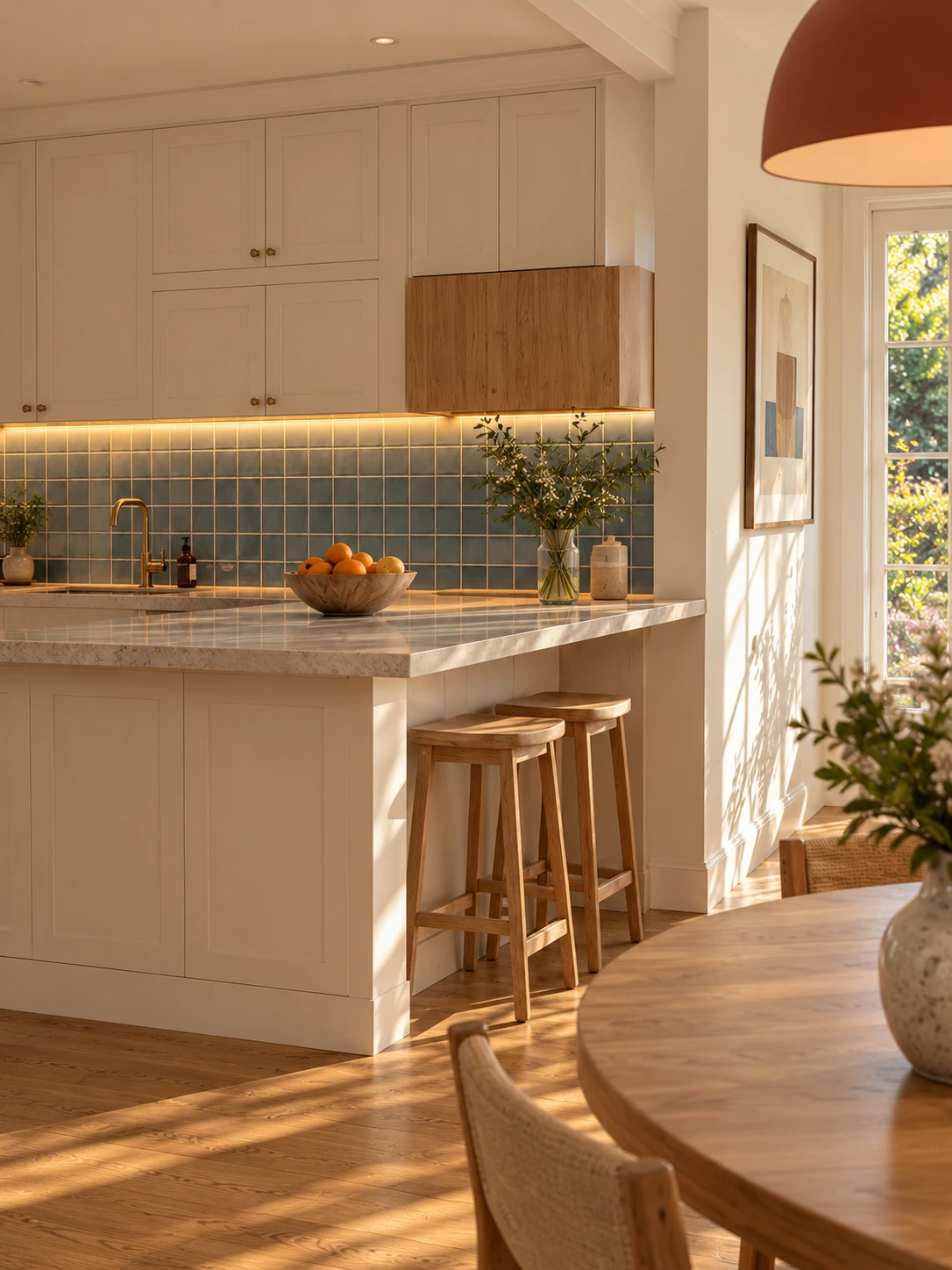
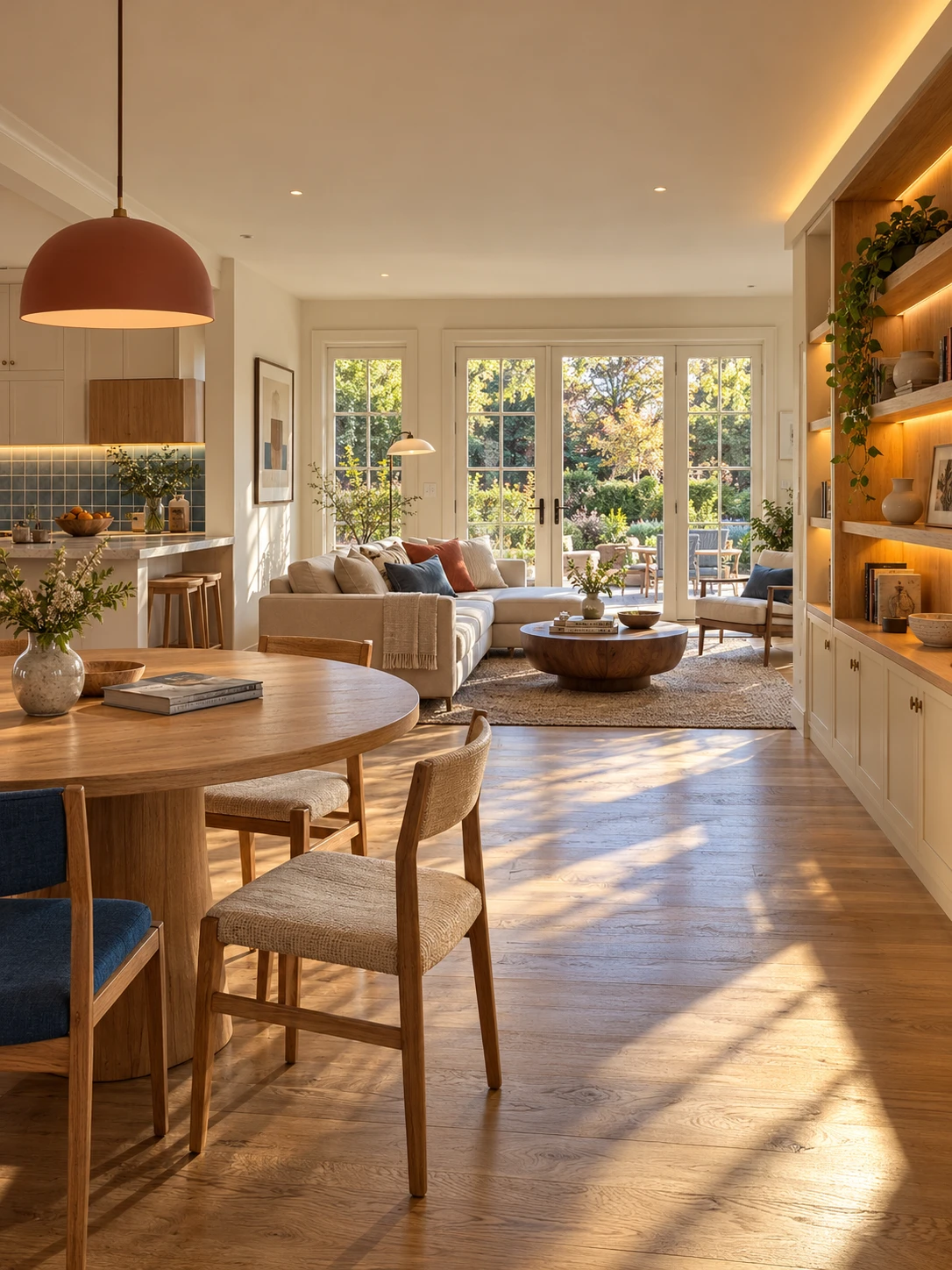
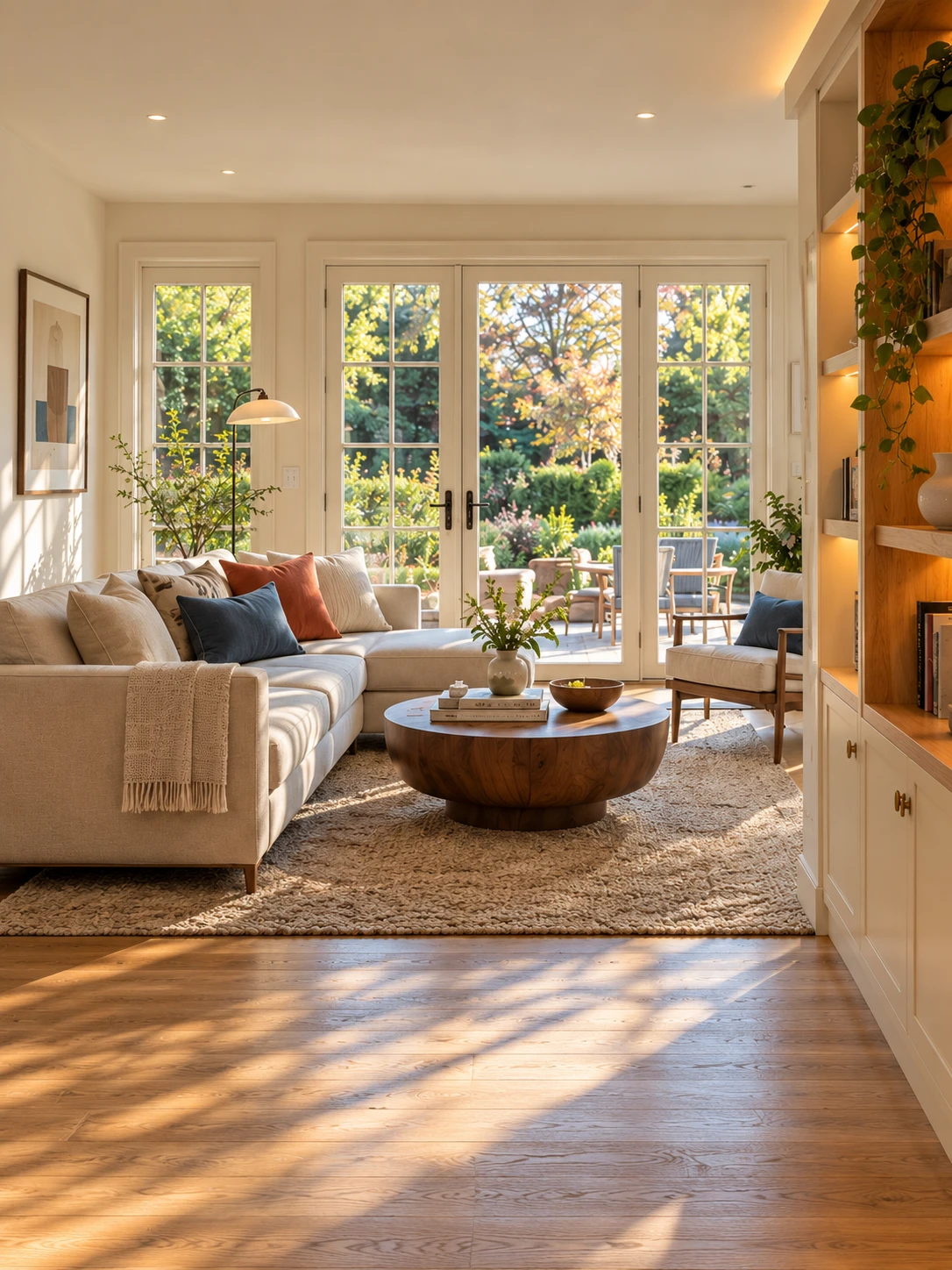
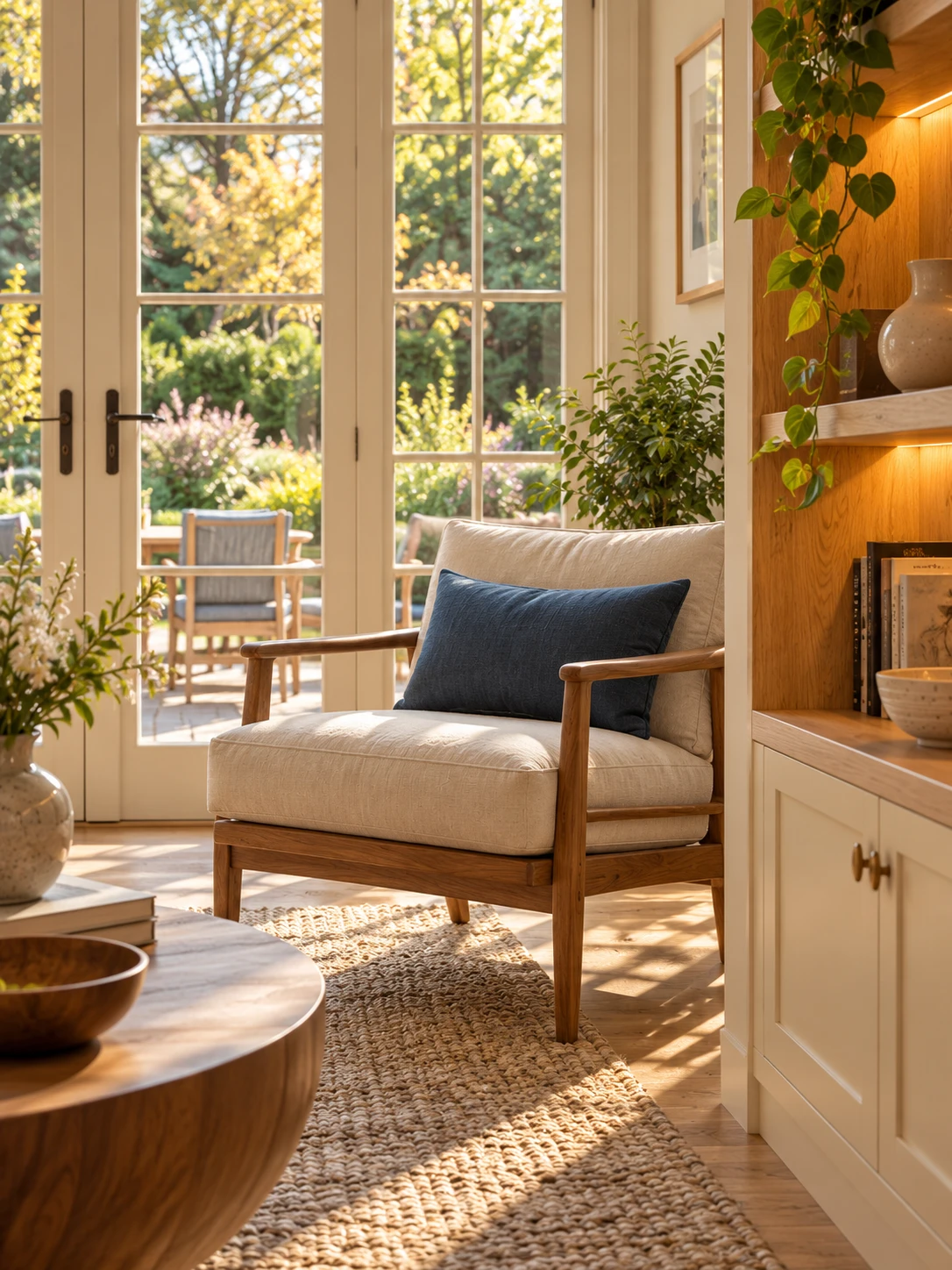
Original Image Gen concepts, made outside Studio. Matching materials and furniture across these pictures does not establish exact architectural consistency.
Here is a reusable starting-image brief. It creates a new concept; it should not be used unchanged to document an existing property.
Create one photorealistic vertical 3:4 image of a warm contemporary American living and dining interior.

Use cream painted cabinetry and plaster, honey-toned oak floors and shelves, a cream linen sofa, a round oak dining table, simple wood chairs, a low walnut coffee table, a few plants and restrained ceramics. Add small cobalt-blue accents through upholstery or a glazed-tile breakfast-bar band, with one terracotta-colored pendant. Keep domestic proportions, clear circulation and a realistic ceiling height.

Design the lighting in layers. Natural afternoon sunlight enters through the actual garden glazing and side windows, making coherent oblique shadows. Concealed warm-white LEDs beneath oak shelves, under kitchen cabinets and inside a modest ceiling cove visibly wash adjacent wood, tile and ceiling surfaces. Show believable falloff and recessed emitters. Keep the LEDs legible in daylight without turning the room dark. No exposed diode dots, RGB colors or arbitrary glowing lines. Balance warm wood and lighting with neutral cream whites, rich blue tile and soft shadow detail.

Photograph at eye height with natural architectural perspective, straight verticals, foreground/middle/background depth and realistic oak grain, woven upholstery and glazed ceramic texture. Create a welcoming, carefully designed home rather than a giant showroom. No people, words, logos, watermarks, black borders, floating furniture or distorted geometry.

This brief creates an original concept. For an existing property, replace it with an editing brief that preserves the actual room, openings, furniture and material assignments.
For another angle, provide the approved image as a design reference and name the actual area you want to see. Keep the same finishes, furniture language and lighting direction. Review the new view before animating it. Windows, cabinet positions and circulation can change even when the palette matches.
For a real home, photographs or views from the same 3D model are a stronger basis for continuity. If you only want to improve the light in an existing image, use the Natural Light & Shadows prompt.
Give each shot a narrow motion brief
The room is already furnished. Nothing needs to assemble, unfurl or appear from the sofa.
The video instruction asks for a shallow forward move, a level camera and stable geometry. It also names lighting stability as a separate requirement. Use this template with a starting image you have permission to use:
Create one continuous photorealistic five-second architectural shot from the supplied interior image.

Begin a slow, shallow forward camera dolly immediately, ending only slightly closer. Keep the original camera height, lens and viewing direction, with level framing and straight verticals. Show restrained, natural parallax between foreground furniture and the background. Keep the main furniture and visible light fixtures readable throughout. No pan, orbit, tilt, sudden zoom or cuts.

All lights already visible in the first frame stay on at their original brightness and color temperature. Preserve the warm light washes from existing concealed LEDs onto their actual shelves, cabinetry, niche or ceiling surfaces. Do not invent a cove, strip, window or fixture that the image does not contain. No progressive switch-on, chasing, pulsing, flickering, color cycling or animated sunlight. Keep exposure, white balance and daylight direction consistent.

Preserve the room shell, openings, glazing divisions, joinery, furniture, object count, materials and colors. Hard surfaces remain rigid; tile grids and floorboard joints stay attached to their surfaces. Upholstery, rugs and existing fabric remain in place. Nothing emerges from furniture. Plants, books and decor stay still. No morphing, floating objects, moving textiles, new rooms, people, writing or logos. Only the camera moves. No music, speech or added sound effects.
Customize the prompt for your room. Name the visible LED areas, important furniture and actual hard-floor material. Keep absent fixtures and textiles out of the brief. In the blue-tile entry, we specifically asked for the plinth and tile grid to stay rigid and the glass niche to keep its shape.
The Sunlit Interior Film video prompt offers the same reusable direction, a starting-image brief and the full example. Open in Studio prepares one Custom video shot with an editable prompt. Upload your image, inspect the model, duration and credit quote, then generate. Opening the template does not make a video or spend credits.
The example film was generated locally. A hosted Studio model is not guaranteed to reproduce those results, and Studio availability depends on the current service and account. The montage, music and color matching are separate editing steps.
Download the exact six-shot image and video prompt pack. The pack records our scene-specific prompts; the original inspiration images are not bundled.
Edit the clips into a film
Our first edit used abrupt cuts and jumped from the overview into the kitchen, then back into the living room. The images matched in mood, but the viewing sequence felt disconnected.
The extended edit starts with the entry, moves to the blue-tile bar and kitchen, then opens into the overview, closer living view and reading corner. Short cross-dissolves soften the joins. A dissolve contains brief double exposure; keeping it short limits how long two furniture layouts compete on screen.
The final film has six shots, five eight-frame dissolves and a total duration of 18 seconds at 24 fps. We kept the individual five-second previews as well. A slower, longer edit gives each design detail more time to read than our original rapid sequence.
A licensed soundtrack belongs in the edit, after you have settled the pace. We used a quiet piano, synth and strings track, with a gentle entrance and exit. The creator's credit is included beside the website video and must also accompany social uploads.
What still needs checking
The steady-light instruction did not lock every fixture. The entry gradually became cooler. The bar's under-cabinet LEDs became more neutral than the warm first frame.
For the entry and bar previews, we applied a separate global white-balance match using a cream-painted area as the first-frame reference. That reduced whole-frame cooling. It does not prove constant fixture output, and the bar still has some local LED color drift. The other source clips retain their existing limitations.
The camera also travels farther than a literal reading of some distance instructions. Fine plant, rug and tile details can change. Check the whole clip, including the joins, rather than judging only its first frame.
Our reproducibility settings were local MiniMax H3 FL2VA pruned INT8, the turbo eight-step LoRA, the res_multistep sampler and simple schedule. Each source was generated at 768 × 1024 with 124 frames at 24 fps, then trimmed to a five-second preview. The final montage has 432 frames. These are experiment settings, not a Studio performance or quality guarantee.
The visual direction was inspired by 上海境远|设计师lris's sunlit interior video on Rednote. We developed our own prompts from visual analysis; we did not recover the creator's original prompt. No footage, music or source frames from that video appear in our finished film.
For a different type of motion, see the room-specific renovation animation workflow. That brief introduces materials and furnishings in stages. This one keeps a completed interior still and moves the camera through the view.
- ai-video
- interior-design
- warm-contemporary
- lighting
- blue-tile
- prompts