Try deep green velvet on an existing sofa while keeping the surrounding room, furniture arrangement and camera view.
Input: Room photoBy AstravisualizeUpdated
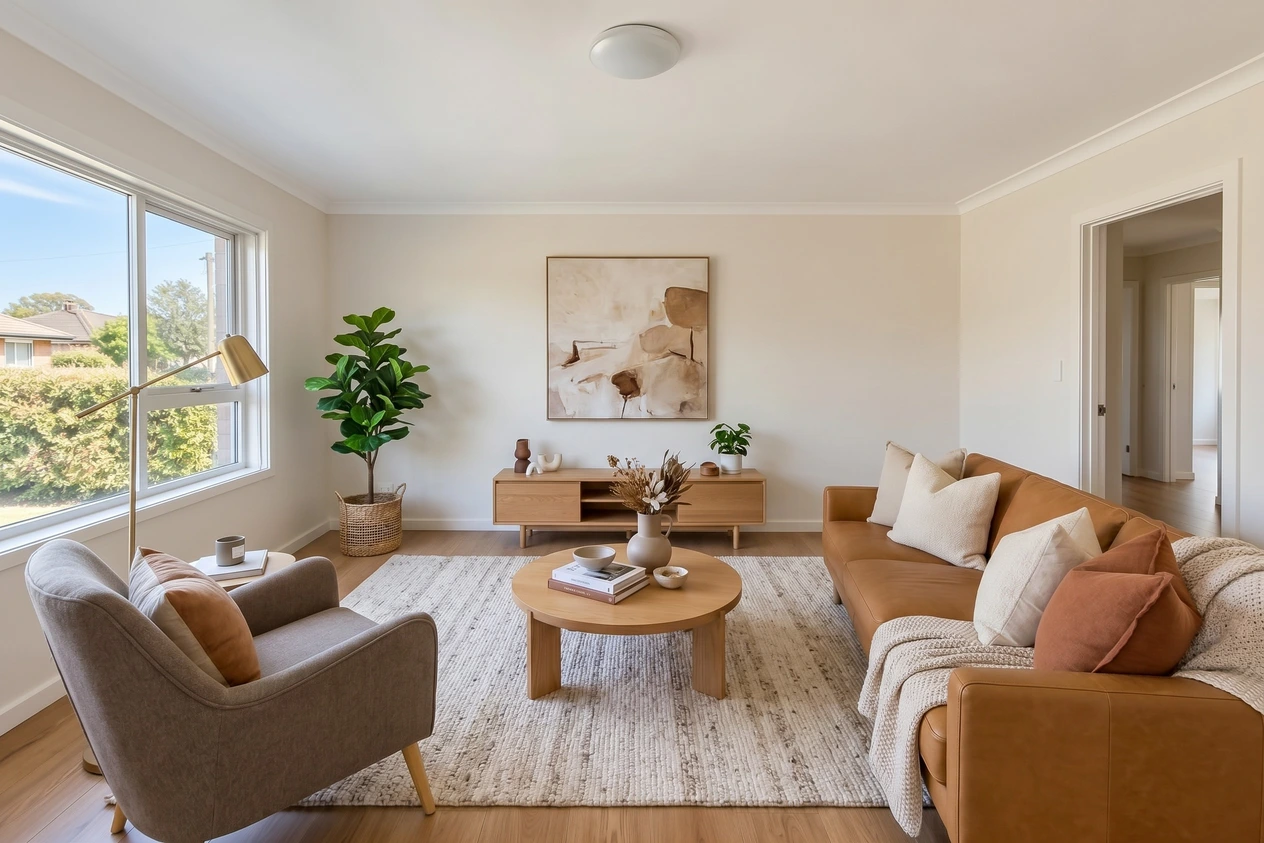
Staged room before the edit
Nano Banana Pro’s staged room from the same comparison, used as the input to its upholstery edit. This is a generated furnishing concept, not the original empty-room photo.Download Staged room before the edit
Green velvet result
Existing Nano Banana Pro second-edit result from the October 7 comparison. The starting image was Pro’s own staged result. The short user instruction ran through our image pipeline; the generated room is a design concept.
Upload a furnished room photo with one clearly identifiable sofa. For a second edit, use the previous result as your new input, as this example did.
Replace “deep green velvet” with the intended color and upholstery. If several sofas are visible, name or mark the one you mean. Use Change a material for a finish change.
Check the sofa’s silhouette, seams, cushions and legs, then compare the other furniture, light, artwork and window against the input. Preserve the original for comparison.
Treat the output as a design proposal. The article compares each model’s second edit against its own starting image, not against one shared staged room.