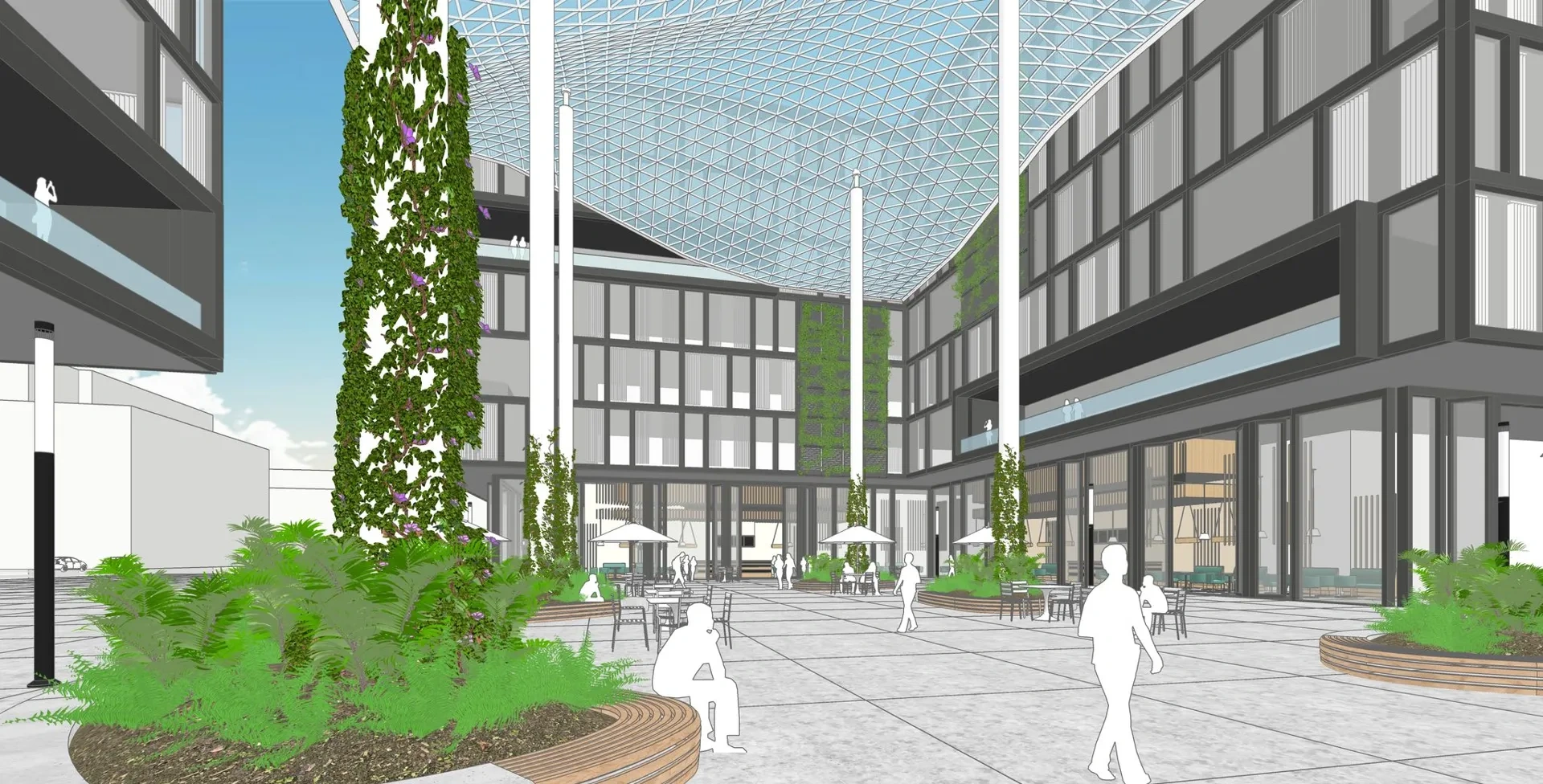
Turn a 3D model view into a photographic render while keeping its camera, layout, furnishings and color palette.
Input: 3D model screenshotAdapted by AstravisualizePrompt inspiration: 溯源方舟TechLabUpdated
SketchUp model view
User-supplied model screenshot, shown without cropping or retouching. This is the input used for the visualization below and the sample available in Studio.Download SketchUp model view
Photographic visualization
Generated with built-in imagegen from the SketchUp view above, then refined once to make the planting more natural. This is an AI visualization, not a photograph or a Studio result.
How to use this prompt
Export one clear JPG, PNG or WebP view from your modeling application. Hide axes, selection outlines and toolbars first. Upload only the model view, not a reference poster or before-and-after collage.
Use the full template to preserve the design. If a material or light direction is unclear in the screenshot, describe that detail without requesting a new layout or camera angle.
Compare openings, stairs, furniture counts, placement, colors, reflections and sign lettering with the source. Correct drift before sharing and label the result as an AI visualization. Native 3D files are not accepted here.