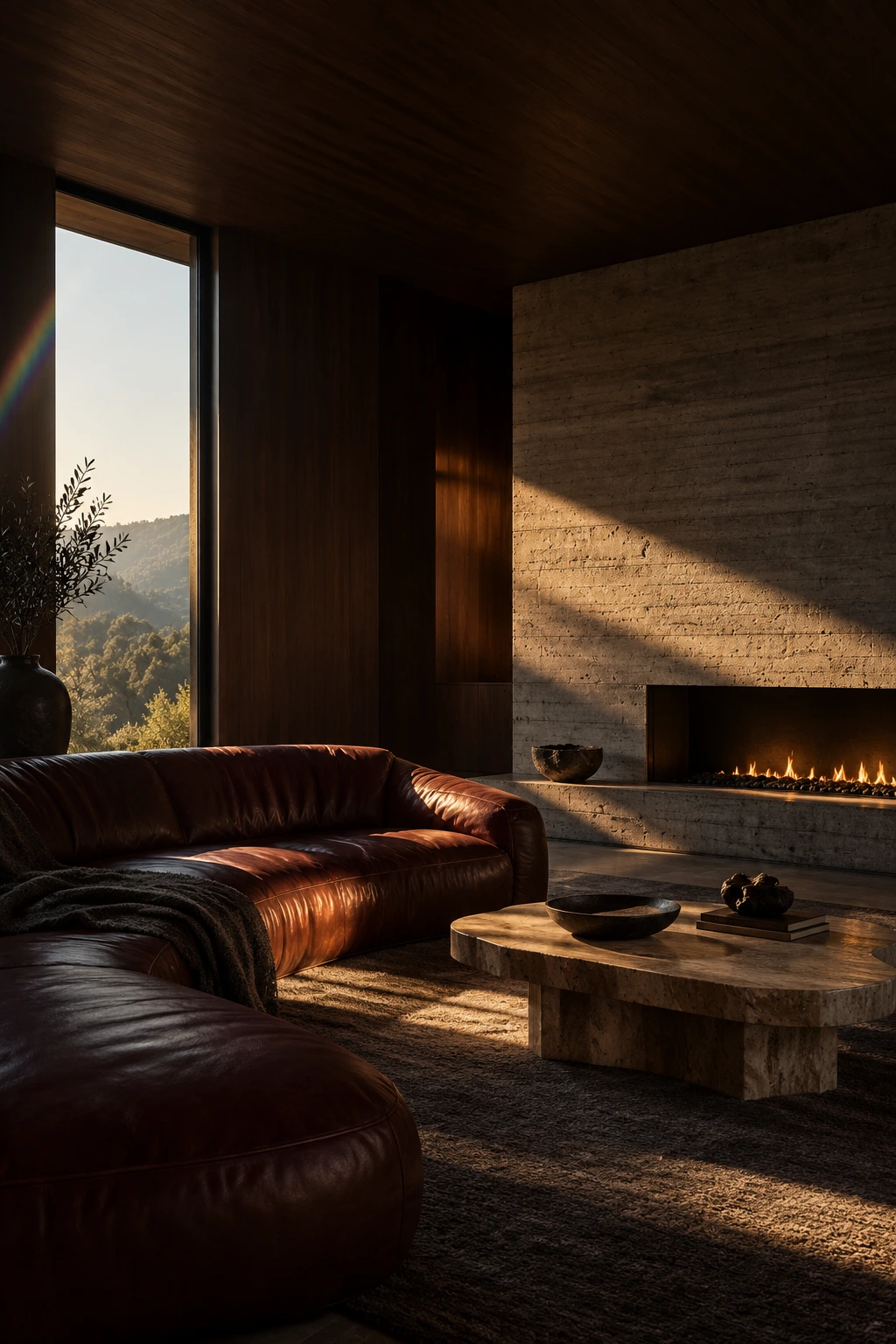
Set your room photograph as a full-bleed interior magazine cover with a serif headline and quiet editorial type.
Input: Room photoBy AstravisualizeUpdated
Room source image
Source image generated with built-in imagegen for this example. This is also the sample image used by this template in Studio.Download Room source image
Magazine cover result
Preview generated with built-in imagegen from the lounge source image shown above, using this template as written.
How to use this prompt
Upload a portrait room photograph with a calm wall, ceiling or window area where the headline can sit. The cover keeps the shape of your photo, so crop it to portrait first if it is landscape.
Replace the headline and the three small lines with your own words. Keep each line short so it stays legible.
Check the spelling of every line, and compare the room with your photograph before sharing. Long or unusual words are the most likely to be misspelled. If the model adds a plain band above or below the photo, generate again.