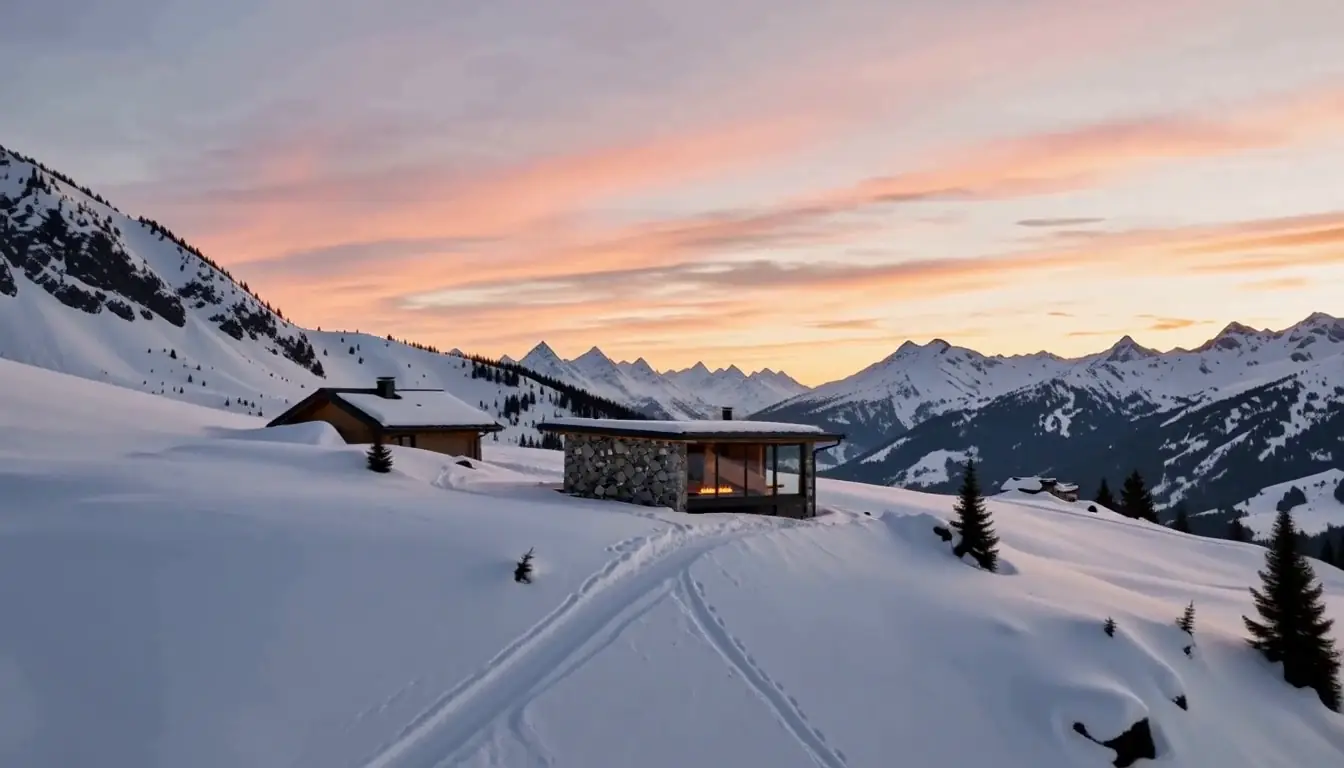
01 / Arrival
A House Drawn
By First Light
A concept retreat on an open snow slope, followed in one unbroken move from the first view to the room inside.
Scroll02 / Stone
Stone Meets Snow
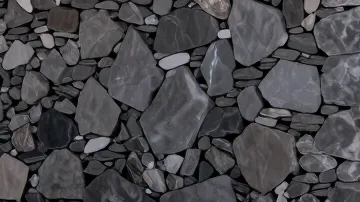
- Fieldstone
- Dark metal
- Larch
03 / Interior
Rooms That
Face The Peak
- Larch
- Plaster
- Blackened steel
About this demo
One scene, scrolled.
Two original stills and two connected video shots, exported as image frames and played by your scroll position. The house is fictional. The images and motion were made with local AI models outside Studio, so this is a concept demo, not a Studio output or a client project.
Interaction inspired by this post from horyx.studio. Images, copy and code are our own.
Coding prompt
Build a full-screen architectural landing page driven by one continuous camera move.

Sequence
- Generate one still: a close view of the facade with a window that shows the room inside. Every other view grows from this still, so the whole page stays one place.
- For the opening, generate a video from the facade still alone with the camera flying backward, then reverse it. The wide view and the facade are then the same scene, with no morph.
- For the room, generate a second video from the same still alone, with the camera pushing through the glass and into the room. Do not join two separately generated stills: they will disagree on roof, light and materials.
- Pick a frame from that push that composes well and redraw it with image-to-image at about 0.6 strength to recover detail. Then regenerate the push as a first/last-frame video from the facade to that frame, and export both shots as WebP frames.
- Pin a canvas to the viewport inside a scroll track. The wheel decides which frame shows, in both directions, so nothing moves while the wheel is still. Do not autoplay the video.
- Add wheel distance to a target and follow it with a critically damped spring. When input stops between chapters, settle on the next chapter in the direction of travel. Keep native scrolling for keys, the scrollbar and touch.
- Export every video frame and blend the two nearest frames on the canvas, so slow parts of a move do not step.
- Load every sixteenth frame first and fill in the gaps, drawing the nearest loaded frame so a fast scroll never shows a blank canvas.

Chapters
1. Left-aligned light headline with a thin rule, one sentence and two actions.
2. Large rotated headline, one inset material detail, a row of material swatches and one action.
3. Large white headline, colour swatches on the left, a short note and the final action on the right.

Behaviour
- Fade each chapter's text in and out around its rest position, and keep hidden links out of the tab order.
- Use a smaller, shorter frame set on phones, with text over a bottom scrim.
- With prefers-reduced-motion, snap to the nearest still instead of scrubbing.
- Keep a static poster behind the canvas as the first paint and the failure state.